Wallpaper Engine for Googlebook
Last updated: October 2026
Wallpaper Engine can’t run on a Googlebook. It’s a Windows application sold on Steam, and a Googlebook runs Android apps, so there’s nothing to install. The Android app that does the same job on a Googlebook is Wallpaper Reactor.
Wallpaper Engine is a good fit for a Windows PC, with a big Steam Workshop behind it. A Googlebook is a different kind of machine, and it needs an app built for Android.
What you can do instead
Wallpaper Reactor is an Android app, so it runs on Googlebook OS. It sets a live wallpaper that animates behind your windows and on your lock screen, the same way a live wallpaper does on an Android phone.
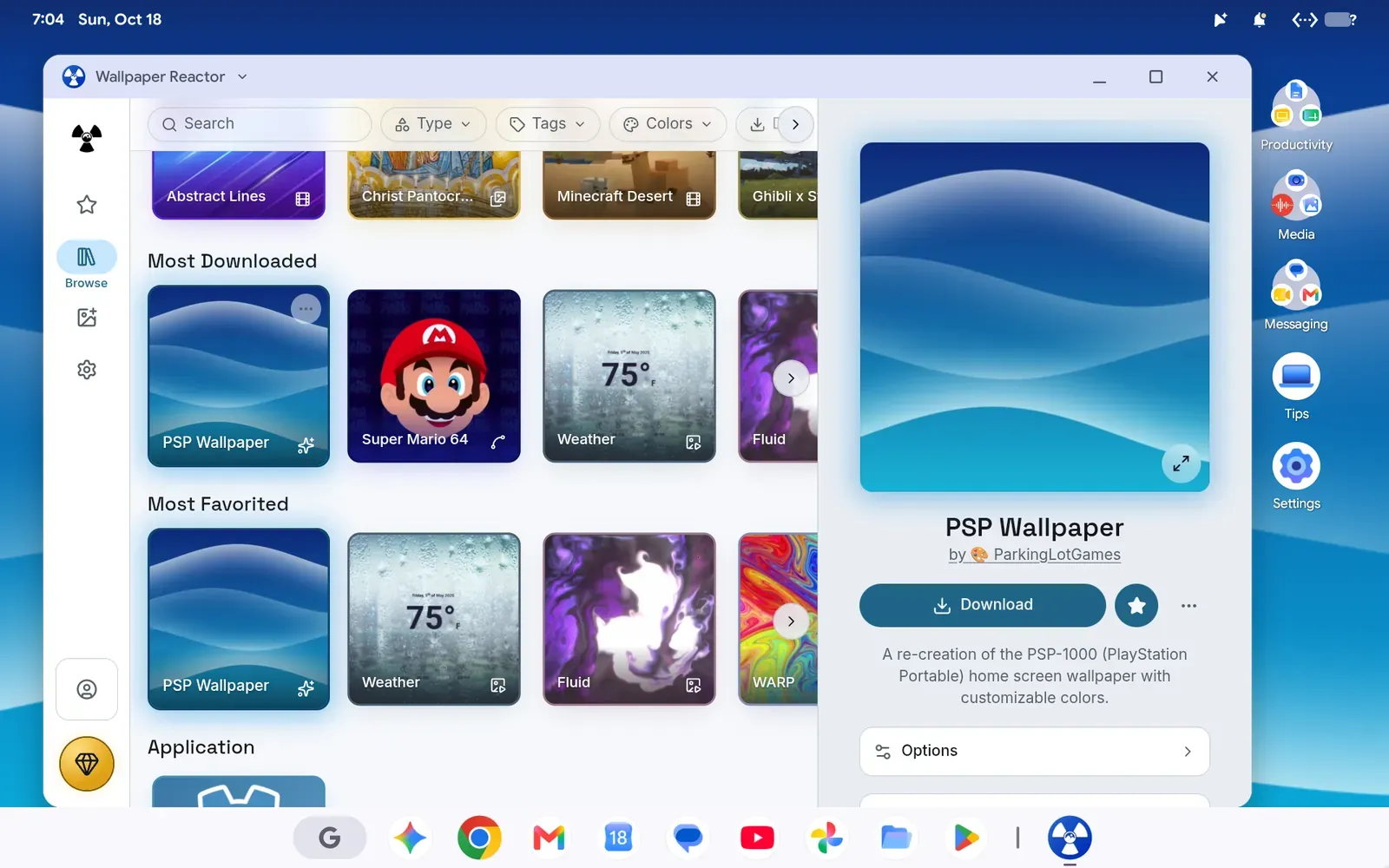
The same wallpaper animates on the lock screen.
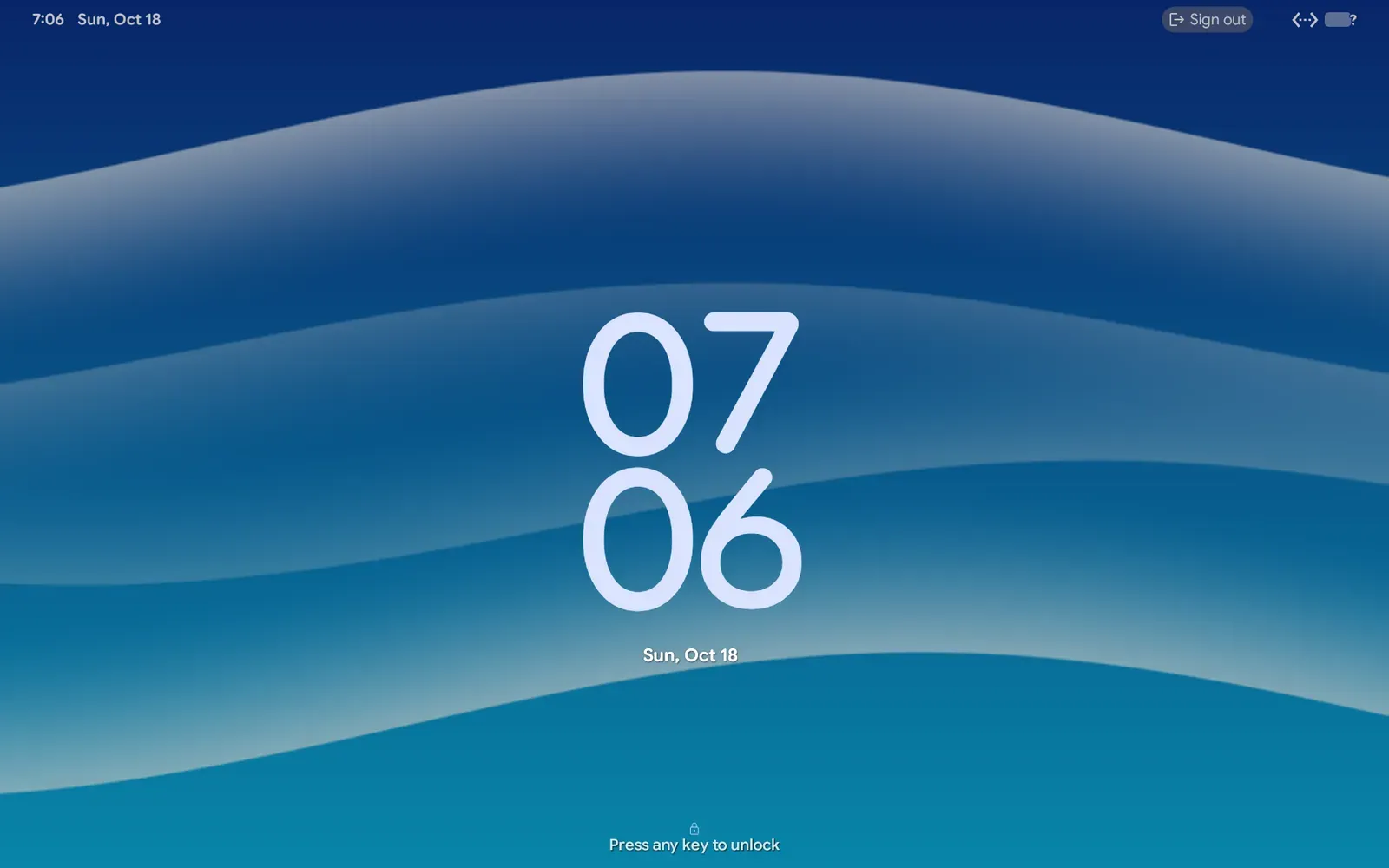
Every wallpaper type renders:
- Video loops in MP4 and WebM
- GLSL shaders drawn live
- Godot scenes
- Rive animations
- Web wallpapers that respond to your input
You can use it with a mouse, a keyboard or a gamepad. For the walkthrough, see live and animated wallpapers on a Googlebook, and the Googlebook page has the short version.
What’s different from Wallpaper Engine
You’re choosing from Wallpaper Reactor’s own library instead of the Steam Workshop, and the app is installed from Google Play or the Android build on the releases page instead of Steam. Wallpapers are made for Wallpaper Reactor, and you can build and publish your own.
If you want the same wallpapers on a PC or a Mac later, it’s one library across Android, Windows and macOS. The same question comes up on other platforms: see Wallpaper Engine for Mac and a free alternative to Wallpaper Engine.
What we have and haven’t tested
We run Google’s own Googlebook OS image in a virtual machine on a Mac. We haven’t run Wallpaper Reactor on a physical Googlebook, and a Google Play install on a real Googlebook is unconfirmed. Some fixes from that testing arrive in the next update after 0.31.0.
FAQ
Can I run Wallpaper Engine on a Googlebook?▾
No. Wallpaper Engine is a Windows application sold on Steam. A Googlebook runs Android apps, so it can't install it.
What is the closest thing to Wallpaper Engine on a Googlebook?▾
Wallpaper Reactor. It is an Android app that runs on Googlebook OS and sets live wallpapers for video, shaders, Godot scenes, Rive animations and web content.
Do the live wallpapers show behind my windows?▾
Yes, in our testing on Googlebook OS in a virtual machine. They also animate on the lock screen. We have not tested on a physical Googlebook.
Does it work with a mouse, keyboard and gamepad?▾
Yes. All three work in our testing.
Video, shaders, Godot and web wallpapers behind your windows and on the lock screen.
 Download Wallpaper Reactor